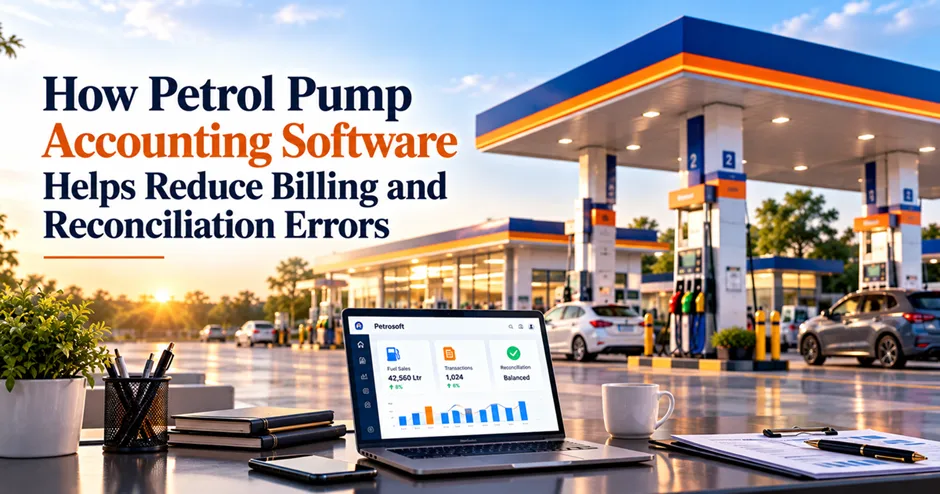
Running a petrol pump involves handling fuel sales, customer payments, shift collections, expenses, credit transactions, and daily accounts. When these records do not match, owners and managers may spend hours checking bills, payment entries, and registers to identify the difference.
Even a small billing or accounting error can affect daily reports, cash verification, and financial decision-making. As transaction volumes increase, managing everything through spreadsheets and manual records becomes more difficult.
Petrol pump accounting software helps organize financial transactions, maintain consistent records, and make sales reconciliation easier. With the right processes and software capabilities, petrol pump owners can identify discrepancies sooner, reduce repetitive manual work, and improve control over daily financial operations.
Why Do Petrol Pumps Face Billing and Reconciliation Errors?
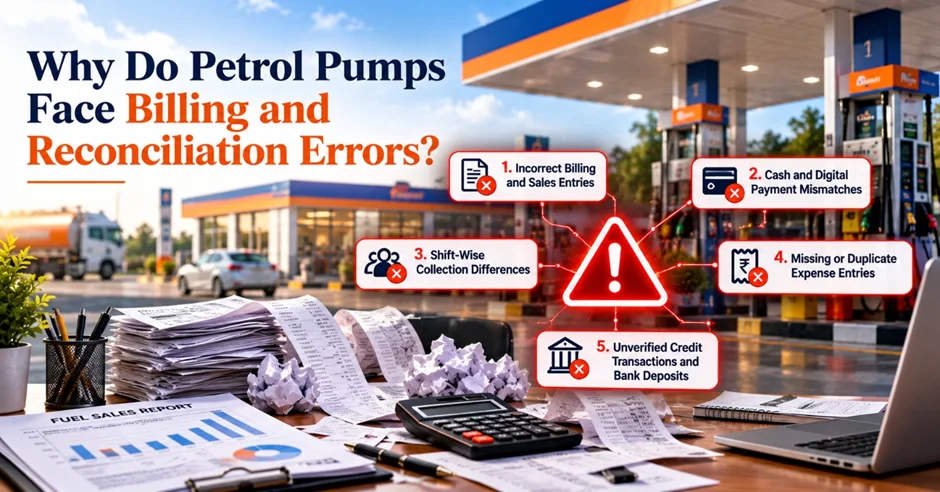
Billing and reconciliation errors can occur at different stages of a petrol pump's daily operations. Understanding their causes is the first step toward preventing recurring problems.
1. Incorrect Billing and Sales Entries
Incorrect fuel quantities, prices, transaction details, or manual entries can create differences between recorded sales and actual transactions. If these errors are not identified promptly, they may affect daily sales reports and financial records.
2. Cash and Digital Payment Mismatches
Petrol pumps may accept cash, card payments, UPI, and other payment methods. When payment entries are missed, duplicated, or recorded under the wrong payment method, the total collections may not match the recorded sales.
3. Shift-Wise Collection Differences
During shift changes, employees need to verify sales, collections, and pending transactions. Incomplete handover records or incorrect closing entries can make it difficult to identify where a discrepancy occurred.
4. Missing or Duplicate Expense Entries
Expenses such as transportation, maintenance, and other operating costs need to be recorded accurately. Missing entries can understate expenses, while duplicate entries can make reported costs appear higher than they actually are.
5. Unverified Credit Transactions and Bank Deposits
Credit sales, outstanding customer balances, received payments, and bank deposits must be recorded consistently. If these records are not checked against the relevant statements and transaction details, outstanding balances or collection differences may go unnoticed.
A Practical Example: How a Small Billing Error Affects Daily Reconciliation
Consider a petrol pump reviewing its end-of-day accounts. The recorded sales and collected payments do not match.
For example, assume the following illustrative figures:
- Recorded sales: ₹5,00,000
- Recorded collections: ₹4,98,000
- Difference requiring investigation: ₹2,000
The ₹2,000 difference does not automatically mean that money is missing. It could result from a missed payment entry, a transaction recorded incorrectly, an outstanding credit payment, or a timing difference between recorded transactions and bank settlements.
To identify the cause, the manager should review:
- Sales records and billing entries.
- Cash collections and shift closing reports.
- Card and UPI transaction records.
- Credit sales and received payments.
- Bank deposits and applicable adjustments.
This example shows why petrol pump owners should investigate discrepancies rather than simply adjusting the final total. Accurate transaction records make it easier to trace the source of an error and prevent similar issues from recurring.
How Can Petrol Pump Owners Reduce Daily Reconciliation Errors?
Before choosing new software, petrol pump owners can improve their existing accounting process by following a consistent daily verification routine.
Match Sales with Payment Collections
Compare recorded sales with the corresponding cash, card, UPI, and other payment records. Investigate any differences before finalizing the daily accounts.
Verify Shift-Wise Reports
Review shift opening and closing details, recorded sales, collections, and handover entries. Make sure the next shift receives accurate information about pending transactions or adjustments.
Review Credit Sales and Outstanding Balances
Maintain clear records of credit transactions, payments received, and pending customer balances. Check that payments are allocated to the correct accounts.
Check Expenses and Adjustments
Verify expense entries, refunds, corrections, and other adjustments against the supporting records. This helps prevent missing or duplicate transactions from affecting financial reports.
Reconcile Bank Transactions
Compare recorded receipts and deposits with bank statements and available settlement records. Consider processing delays and other timing differences before treating a mismatch as an error.
Investigate Differences Before Closing the Day
Do not rely only on the final totals. Review the underlying transactions, identify the likely cause, and document the correction according to your accounting process.
Following these steps consistently helps petrol pump teams maintain more reliable records and identify problems before they affect subsequent reporting.
How Petrol Pump Accounting Software Helps Prevent Recurring Errors
Manual verification remains important, but suitable software can make financial records easier to organize, review, and reconcile. The benefits depend on the features available and how the system is configured.
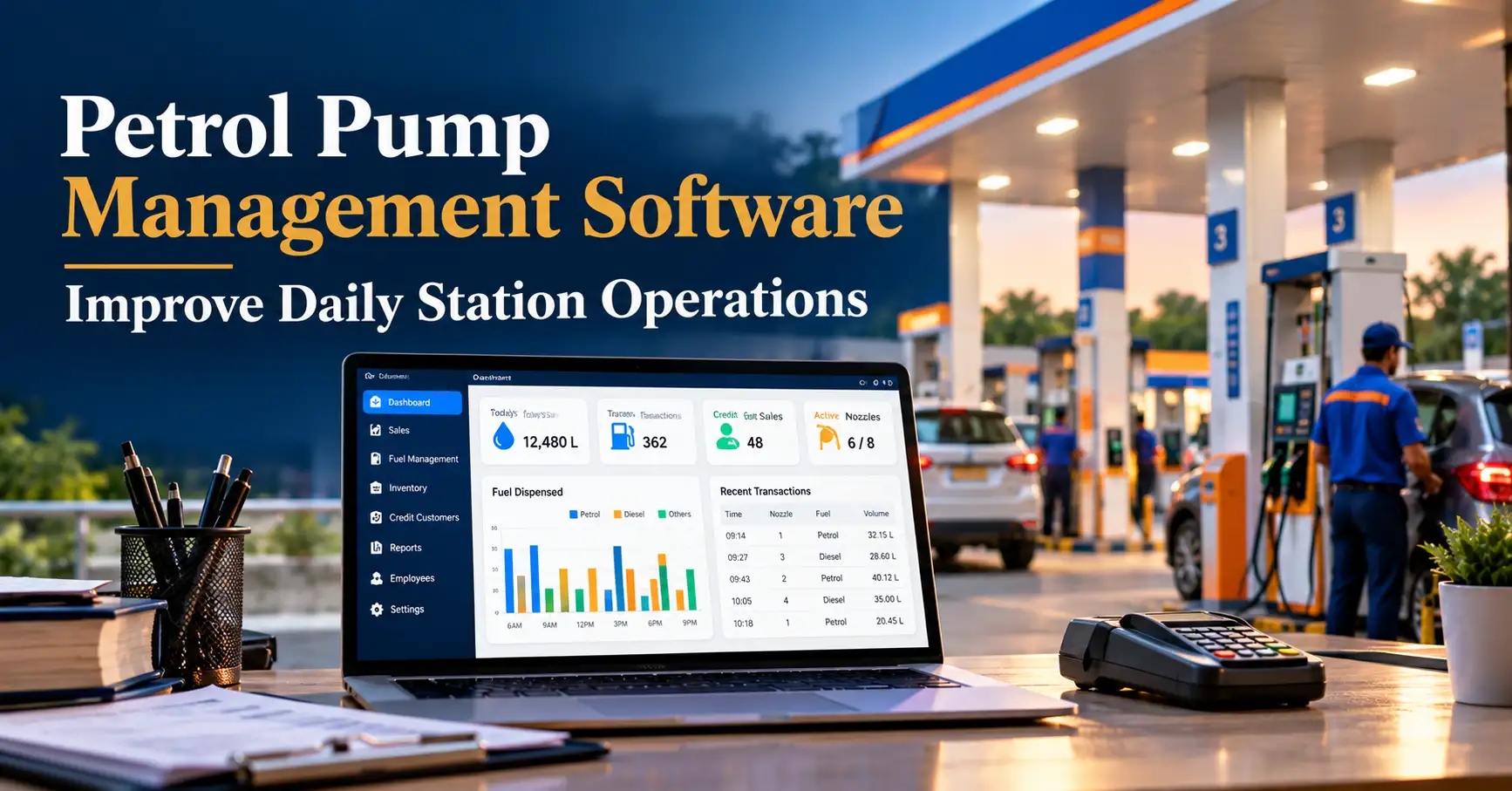
For a broader understanding of fuel station operations, explore how petrol pump management software for daily station operations can help organize daily activities, improve operational visibility, and support efficient station management.
1. Keeps Billing and Sales Records Organized
Petrol pump billing software helps maintain structured transaction records. When billing and reporting functions are connected, staff can review recorded sales more efficiently and reduce the need to enter the same information repeatedly.
Accurate records also make it easier to investigate incorrect entries and verify reported sales totals.
2. Makes Payment-Wise Verification Easier
Payment-wise reports can help managers compare recorded collections across cash, cards, UPI, and other supported payment methods.
Instead of checking every record separately, staff can use available reports to identify differences that require further investigation. Actual payment reconciliation may still require external statements or settlement records.
3. Improves Shift-Wise Financial Control
Organized shift reports help managers review sales, collections, and closing details for each shift. This creates a clearer record for handovers and makes it easier to investigate differences between shifts.
Where supported, transaction histories and access controls can also help managers review changes and identify where additional verification is required.
4. Supports Expense and Credit Tracking
Petrol pump accounting software with expense and credit management features can help businesses maintain records of operating costs, customer balances, and payments received.
Keeping these details organized supports more reliable account reviews and helps owners identify overdue balances or incomplete entries.
5. Simplifies Daily Financial Reporting
Structured sales, payment, expense, and shift records can make daily reporting more efficient. Managers can review the available reports without repeatedly compiling information from separate registers and spreadsheets.
The result is a clearer view of daily transactions and fewer opportunities for discrepancies to remain unnoticed.
6. Helps Maintain Records for Future Verification
Reliable transaction history is important when investigating billing disputes, checking previous collections, or reviewing accounting adjustments.
Software that provides searchable records, timestamps, and suitable audit controls can help managers trace transactions more easily. These capabilities should be verified before selecting a solution.
Important: Accounting software can reduce manual work and support error detection, but it cannot guarantee error-free accounts. Accurate data entry, correct configuration, staff training, and regular reconciliation remain essential.
Manual Accounting vs. Software-Assisted Reconciliation
The main difference is how easily staff can organize financial records and identify transactions that need attention.
|
Activity |
Manual accounting |
Software-assisted process |
|
Sales verification |
Check registers and separate reports |
Review available digital sales reports |
|
Payment comparison |
Calculate and compare totals manually |
Use payment-wise reports where supported |
|
Shift reconciliation |
Compare handover records separately |
Review organized shift-wise records |
|
Expense tracking |
Maintain registers or spreadsheets |
Use structured expense entries |
|
Credit monitoring |
Review outstanding balances manually |
Review available credit reports |
|
Error investigation |
Search through multiple records |
Trace transactions using available records |
Software-assisted processes can improve efficiency, but the actual benefits depend on system capabilities, integrations, and the quality of the recorded information.
What Should You Look for in Petrol Pump Accounting Software?
Before investing in a solution, evaluate whether it supports the financial tasks your petrol pump performs every day.
Billing and sales records: The system should support accurate billing and provide access to recorded sales transactions.
Payment tracking: Check whether it can organize cash, card, UPI, and other payment records relevant to your operations.
Shift-wise reports: Look for reports that help verify collections, closing entries, and shift handovers.
Expense management: Ensure that operating expenses can be recorded and reviewed systematically.
Credit management: If your business sells fuel on credit, check for suitable customer balances, payment records, and outstanding reports.
Bank reconciliation support: Confirm whether the software offers reconciliation features, statement imports, exports, or other workflows needed to compare recorded transactions with bank records.
Transaction history and access controls: Review whether the system supports the record history and permissions required by your business.
Integration with existing systems: If you need connections with fuel dispensing equipment, payment systems, or external accounting tools, confirm compatibility before purchasing.
Choose software based on your actual workflow rather than the number of features advertised. The objective is to improve record accuracy, make discrepancies easier to investigate, and reduce unnecessary manual effort.
How Petrosoft Supports Petrol Pump Billing and Financial Operations
Petrosoft provides petrol pump management software designed to support fuel station operations. For businesses looking to improve billing accuracy and daily financial visibility, it is worth evaluating the available billing, sales reporting, and accounting-related capabilities against their current reconciliation process.
A suitable system should help your team maintain organized transaction records, review available sales reports, and verify collections more efficiently. Before implementation, confirm the specific payment tracking, shift reporting, expense management, credit management, and reconciliation features your petrol pump requires.
With the right software and a consistent verification routine, petrol pump owners can work toward better financial control and more reliable daily reporting.
Improve Petrol Pump Accounting Accuracy with Petrosoft

Reduce repetitive manual work, maintain organized sales records, and improve visibility into your petrol pump's daily operations with Petrosoft petrol pump management software.
Explore the available features and find out how Petrosoft can support your billing and reporting workflow.
Ready to improve your petrol pump operations? Request a Petrosoft demo today!
Final Thoughts
Accurate billing and daily reconciliation are essential for reliable petrol pump operations. With the right petrol pump accounting software and consistent verification, businesses can reduce errors, strengthen financial control, and make confident decisions based on accurate records.