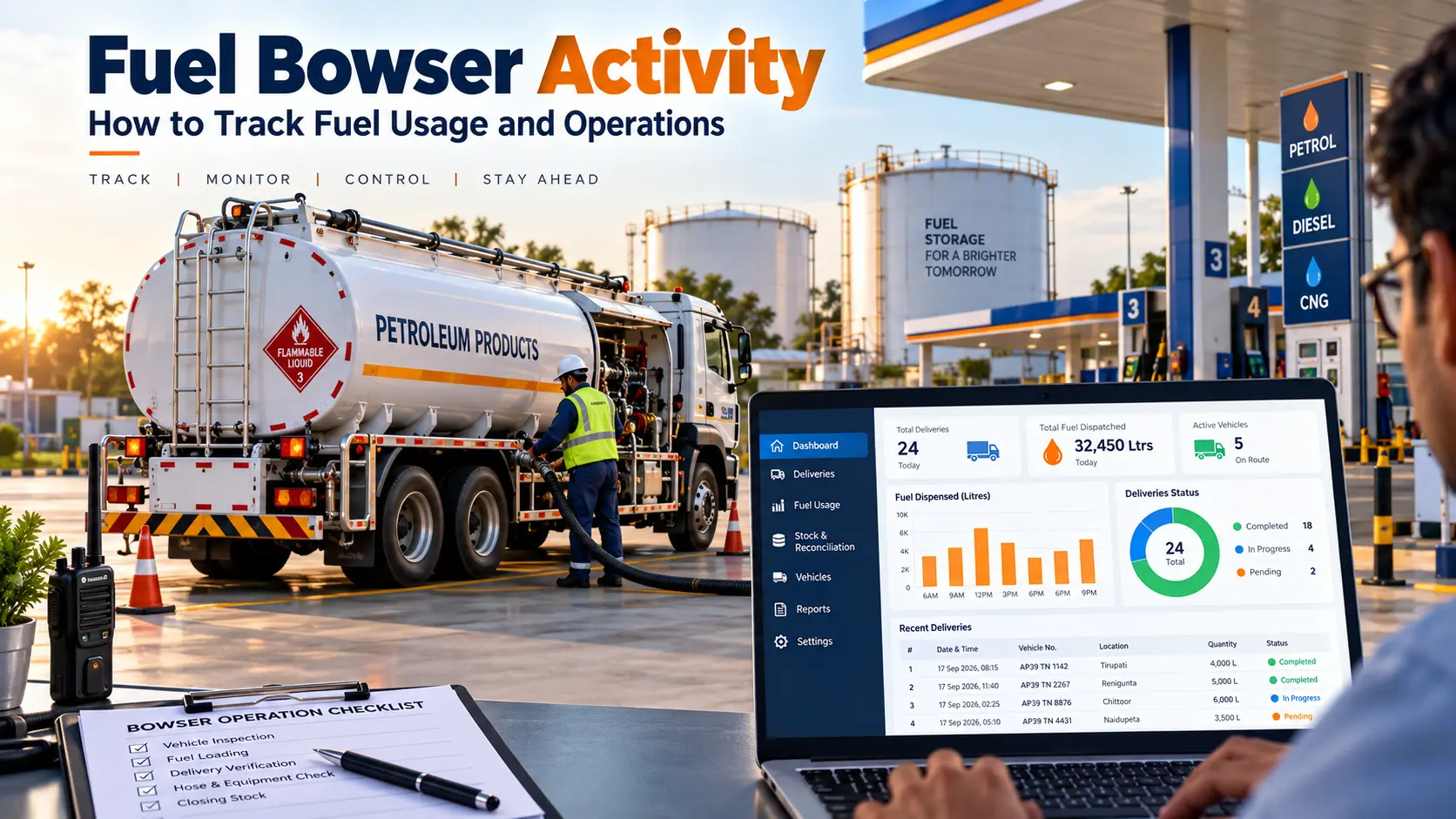
Fuel bowser activity refers to the movement, dispensing, delivery and usage of fuel through a mobile or fixed bowser. Tracking activities such as fuel loading, dispensing quantity, stock movement, operator details and fuel transactions helps businesses maintain better visibility over fuel usage and identify discrepancies.
For fuel-intensive operations, simply knowing how much fuel was purchased is not enough. Managers also need to understand where the fuel went, when it was dispensed, how much was used and whether the recorded quantity matches the available stock.
With digital fuel management systems, these activities can be recorded and reviewed more efficiently than relying entirely on manual registers and disconnected spreadsheets.
What Is Fuel Bowser Activity?
Fuel bowser activity includes the different actions that take place when fuel is loaded, moved, dispensed or consumed through a bowser.
Depending on the operation, this may include:
- Fuel loading into the bowser
- Fuel transfers and deliveries
- Fuel dispensing to vehicles or equipment
- Recording fuel quantities
- Tracking operators or attendants
- Monitoring fuel stock movement
- Recording transaction dates and times
- Checking opening and closing fuel quantities
- Comparing expected and actual fuel usage
A fuel bowser can therefore act as an important part of the fuel distribution process. Maintaining accurate records of its activities helps managers understand fuel movement and investigate unusual differences.
Modern fuel dispensing systems increasingly connect dispensing data with vehicle or asset identification, timestamps and other operational records to improve accountability.
What Activities Should Be Tracked in a Fuel Bowser?
Tracking only the total amount of fuel dispensed does not provide complete visibility. A useful fuel bowser activity record should provide enough information to understand each transaction.
| Fuel Browser Activity | Information to Track |
|---|---|
| Fuel Loading | Quantity received and date |
| Fuel Dispensing | Quantity dispensed and transaction details |
| Fuel Delivery | Destination and recipient |
| Fuel Usage | Vehicle or equipment consuming fuel |
| Stock Movement | Opening, received, used and closing quantity |
| Operator Activity | Person handling the transaction |
| Fuel Transactions | Date, time and quantity |
| Fuel Balance | Expected versus available stock |
| Variance | Difference requiring investigation |
For larger operations, tracking fuel activity at transaction level can make it easier to identify unusual consumption, missing records or stock discrepancies.
How Does Fuel Bowser Activity Tracking Work?
Fuel bowser activity tracking can be understood through a simple operational workflow:
Fuel Loading → Fuel Movement → Fuel Dispensing → Stock Update → Reporting
1. Fuel Loading
Fuel is loaded into the bowser from the relevant storage or supply point. The quantity received should be recorded accurately.
2. Fuel Movement
The bowser may transport fuel to vehicles, equipment, sites or other operational locations. Depending on the system used, movement information can be maintained as part of the fuel record.
3. Fuel Dispensing
When fuel is dispensed, the quantity and relevant transaction information should be recorded.
4. Stock Update
The quantity dispensed is considered against the available fuel balance. This provides a clearer view of how much fuel remains.
5. Reporting and Reconciliation
Recorded transactions can then be reviewed against stock and operational records to identify differences or unusual activity.
This approach changes fuel tracking from simply maintaining a register into a structured process for monitoring fuel movement.
Why Is Fuel Bowser Activity Tracking Important?
Fuel is a high-value operational resource, and small recording errors can become difficult to identify when transactions are handled manually.
Fuel bowser activity tracking helps businesses address several common challenges.
Better Visibility into Fuel Usage
Managers can understand how much fuel is being dispensed and where it is being used rather than depending only on periodic manual records.
Improved Accountability
Recording transaction and operator information creates a clearer activity history and makes it easier to review individual transactions.
Easier Stock Monitoring
Fuel received, dispensed and remaining can be reviewed together, helping managers identify differences between expected and available quantities.
Faster Identification of Variances
When recorded fuel movement does not match expected stock, the difference can be investigated before it becomes a larger operational issue.
Better Reporting
Digital records can make it easier to review daily, weekly or monthly fuel activity without manually compiling information from multiple registers.
Common Problems with Manual Fuel Bowser Activity Tracking
Many fuel operations still depend on paper registers, spreadsheets or separate records. These methods can work for limited transactions, but become difficult to manage as fuel activity increases.
1. Manual Recording Errors
Incorrect quantities, missed entries or duplicate records can affect the accuracy of fuel reports.
2. Unrecorded Fuel Dispensing
If every dispensing transaction is not properly recorded, managers may find it difficult to explain differences in fuel stock.
3. Difficult Stock Reconciliation
Comparing fuel received, fuel dispensed and remaining stock manually takes time and can make discrepancies harder to identify.
4. Limited Activity History
Paper records may not provide an easy way to search historical transactions or identify recurring patterns.
5. Delayed Reporting
Managers may have to wait until records are collected and consolidated before they can understand overall fuel activity.
6. Multiple Bowser Management
When several bowsers or operational locations are involved, maintaining separate records can make centralized monitoring difficult.
Fuel Bowser Activity: Manual Tracking vs Digital Tracking
The difference is not simply about replacing paper with software. Digital tracking can connect multiple pieces of operational information into a more structured record.
| Activity | Manual Tracking | Digital Tracking |
|---|---|---|
| Fuel dispensing | Register entry | Digital transaction record |
| Stock monitoring | Manual calculation | System-based records |
| Transaction history | Separate records | Centralized history |
| Operator activity | Manual entry | User-based records where supported |
| Reporting | Time-consuming | Faster report generation |
| Variance review | Manual comparison | Easier data comparison |
| Multiple locations | Difficult to consolidate | Centralized visibility |
The right approach depends on the size and complexity of the operation, but digital records become increasingly useful when fuel transactions, inventory and reporting need to be managed together.
How to Monitor Fuel Bowser Activity Effectively
A practical fuel bowser monitoring process should focus on consistency.
Record Every Fuel Transaction
Every fuel dispensing activity should have a corresponding record. Avoid relying on memory or end-of-day estimates.
Track Opening and Closing Fuel
Maintaining consistent opening and closing stock records helps establish a reliable basis for reconciliation.
Separate Fuel Received and Fuel Dispensed
Fuel entering the bowser and fuel leaving the bowser should be recorded separately. This makes stock movement easier to understand.
Record Relevant Operator Details
Where the system supports it, associating transactions with users or operators can improve accountability.
Compare Expected and Actual Usage
Regular comparison can help identify unexplained differences, recording errors or unusual consumption.
Review Activity Reports Regularly
Daily and periodic reviews are more useful than waiting until the end of a long reporting period to investigate discrepancies.
How Fuel Bowser Software Helps Track Activities
Fuel management software can bring fuel transactions, inventory information and operational reports into a centralized system.
Depending on the solution and configuration, digital fuel management can support:
- Fuel transaction recording
- Inventory monitoring
- Fuel dispensing records
- User or operator activity
- Stock movement tracking
- Centralized reporting
- Historical transaction review
- Fuel reconciliation
Modern fuel management platforms increasingly connect dispensing records with information such as vehicle identification, quantity and transaction time, helping organizations create a more complete fuel activity history.
Manage Fuel Bowser Activity with Petrosoft
Tracking fuel activity becomes more useful when billing, inventory and reporting are connected instead of being maintained in separate records.
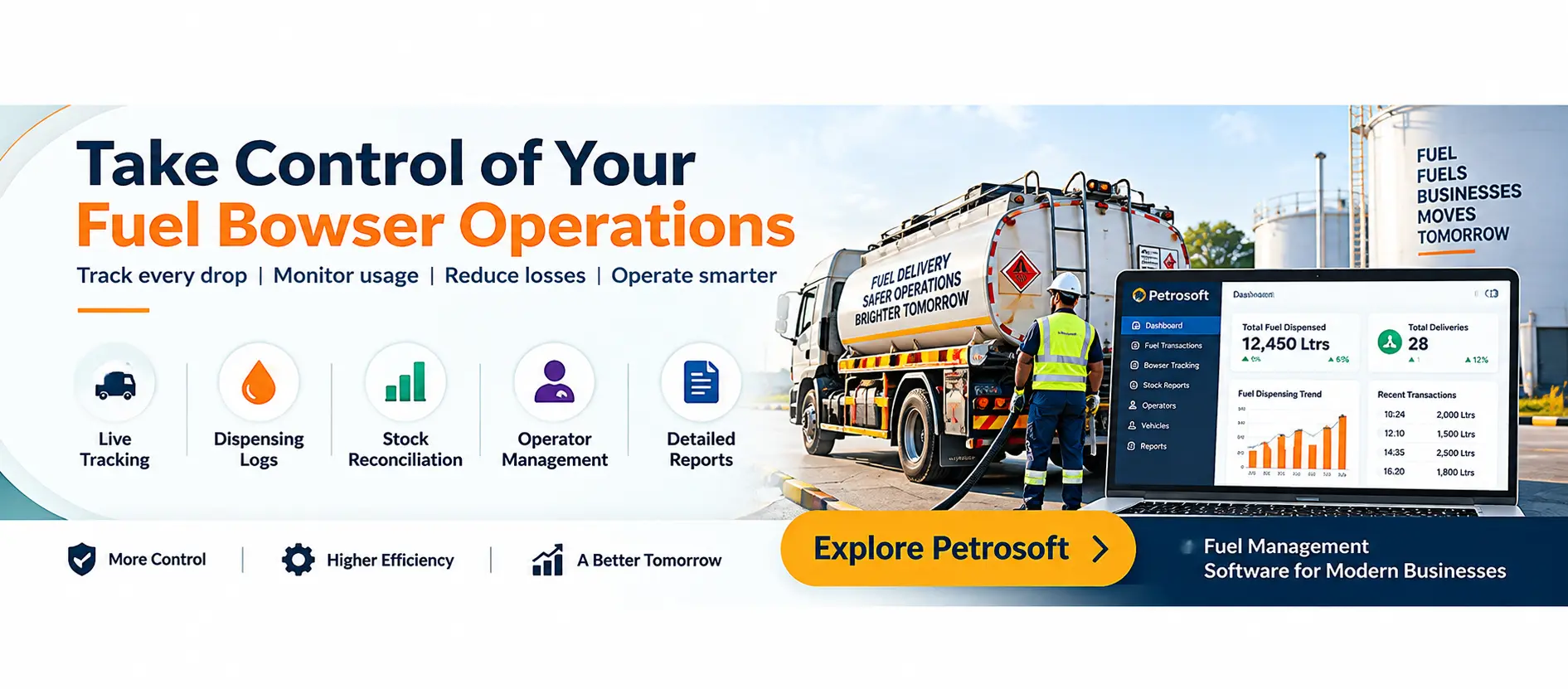
Petrosoft provides a centralized petrol pump management platform that brings important fuel station operations together, including billing, inventory management and business reporting.
Connect Fuel Sales with Inventory
Petrosoft helps connect sales activity with inventory information, giving petrol pump owners better visibility into fuel movement and stock levels.
Monitor Stock Movement
With inventory tracking, managers can review stock information and identify changes that require attention instead of depending entirely on manual calculations.
Maintain Digital Transaction Records
Digital billing and transaction records make it easier to review sales activity and maintain organized operational information.
Access Centralized Reports
Petrosoft provides business reports that help owners and managers review sales, inventory and other operational information from a centralized system.
Get Better Visibility into Your Fuel Operations
Are you still managing fuel transactions, inventory and daily operational records through registers or disconnected systems?
Petrosoft helps petrol pump owners bring billing, inventory and business reporting together in one centralized platform.
See how Petrosoft can help your team improve visibility across fuel station operations and manage day-to-day activities more efficiently.
Conclusion
Effective fuel bowser activity tracking is about understanding the complete movement of fuel not just recording the final quantity dispensed.
By consistently tracking fuel loading, dispensing, stock movement, transactions and operational records, businesses can improve visibility and identify discrepancies earlier.
For petrol pump owners looking to move away from disconnected manual records, Petrosoft provides a centralized platform for billing, inventory and business reporting, helping bring important fuel station operations together in one system.
Ready to improve your fuel operation visibility? Book a Free Petrosoft Demo today.