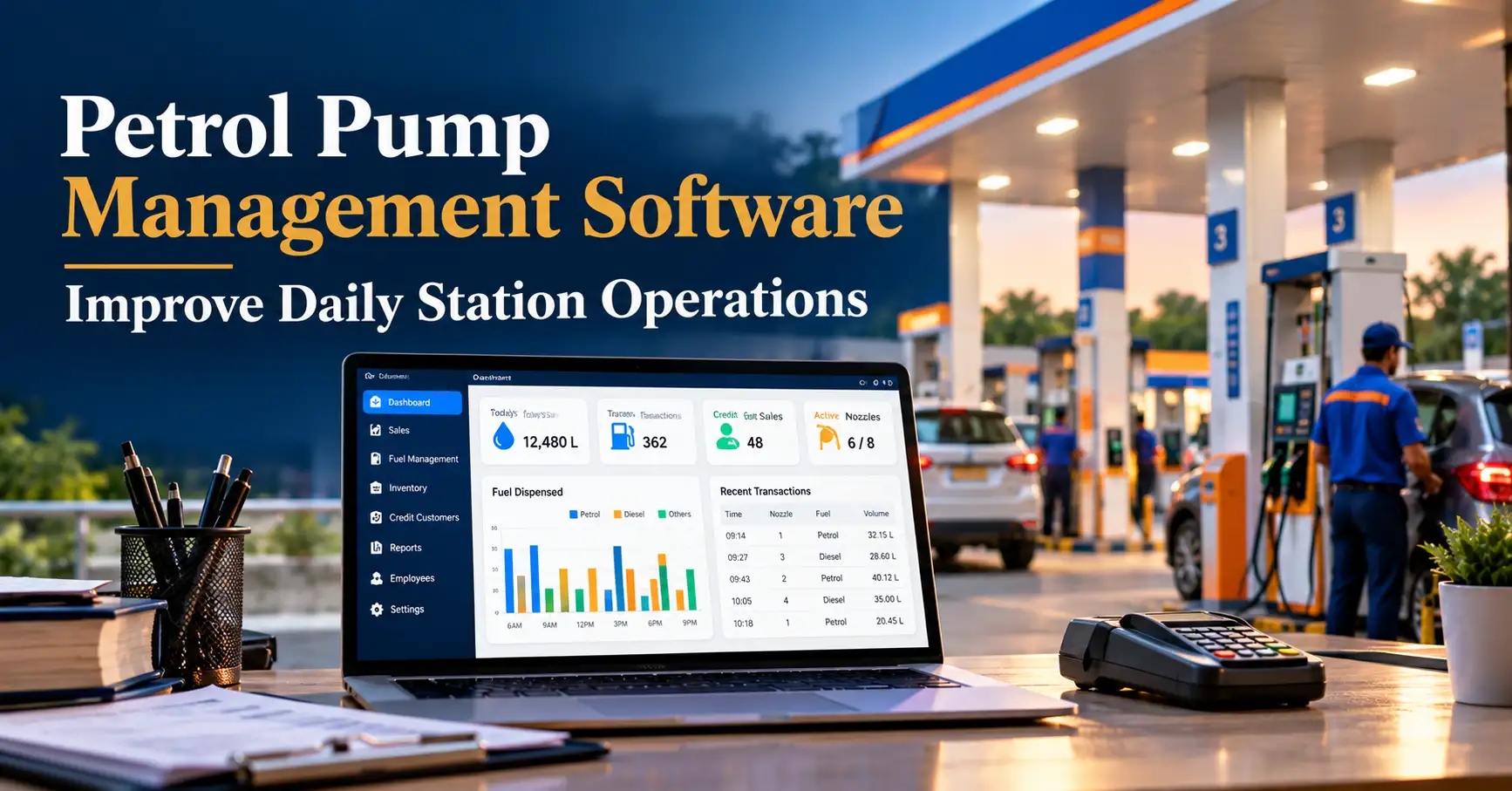
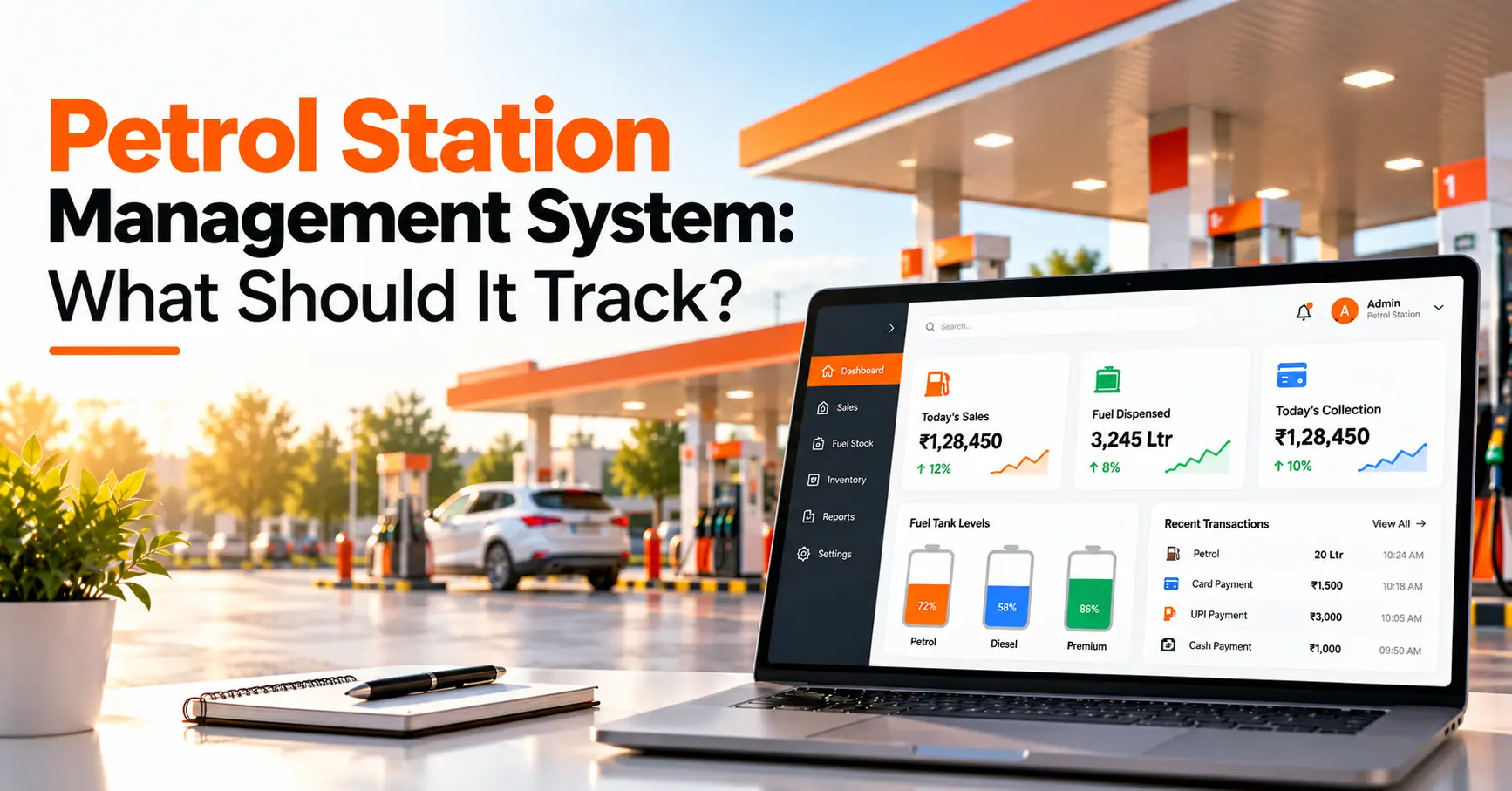
A good petrol station management system should track fuel stock and tank levels, pump and nozzle sales, supplier deliveries, shift and cash reconciliation, fuel prices, shop sales, payments (cash, card, UPI, credit), customer accounts, expenses, and audit alerts. Together these show where every litre and every rupee goes.
If you run a petrol pump, you probably know this situation. The dip reading says one thing, the sales register says another, and the cash in the drawer says a third. Nobody can say exactly where the difference came from.
This is the most common problem with manual registers and spreadsheets. This guide lists exactly what your software should track so that problem stops. It also shows how to judge any system before you buy.
What Is a Petrol Station Management System?
A petrol station management system (also called petrol pump management software or petrol bunk software) is a tool that records and connects all your daily operations. These include fuel stock, pump sales, shifts, payments, purchases and reports, all in one place.
Instead of keeping separate notebooks for stock, sales and cash, the system links them. When one number does not match another, it flags the difference immediately.
Why Tracking the Right Data Matters?
Fuel is a high-volume, low-margin business. Small leaks add up quickly:
- Fuel shrinkage: evaporation, meter errors and unrecorded dispensing
- Theft or misuse: at the nozzle, the cash counter or during delivery
- Shift errors: wrong handover, missed entries, cash short or excess
- Late supplier claims: short deliveries found too late to dispute
- Compliance risk: missing records during inspections
Even a small daily loss per tank becomes a large amount over a year. You can only fix what you can see, and that is why tracking matters.
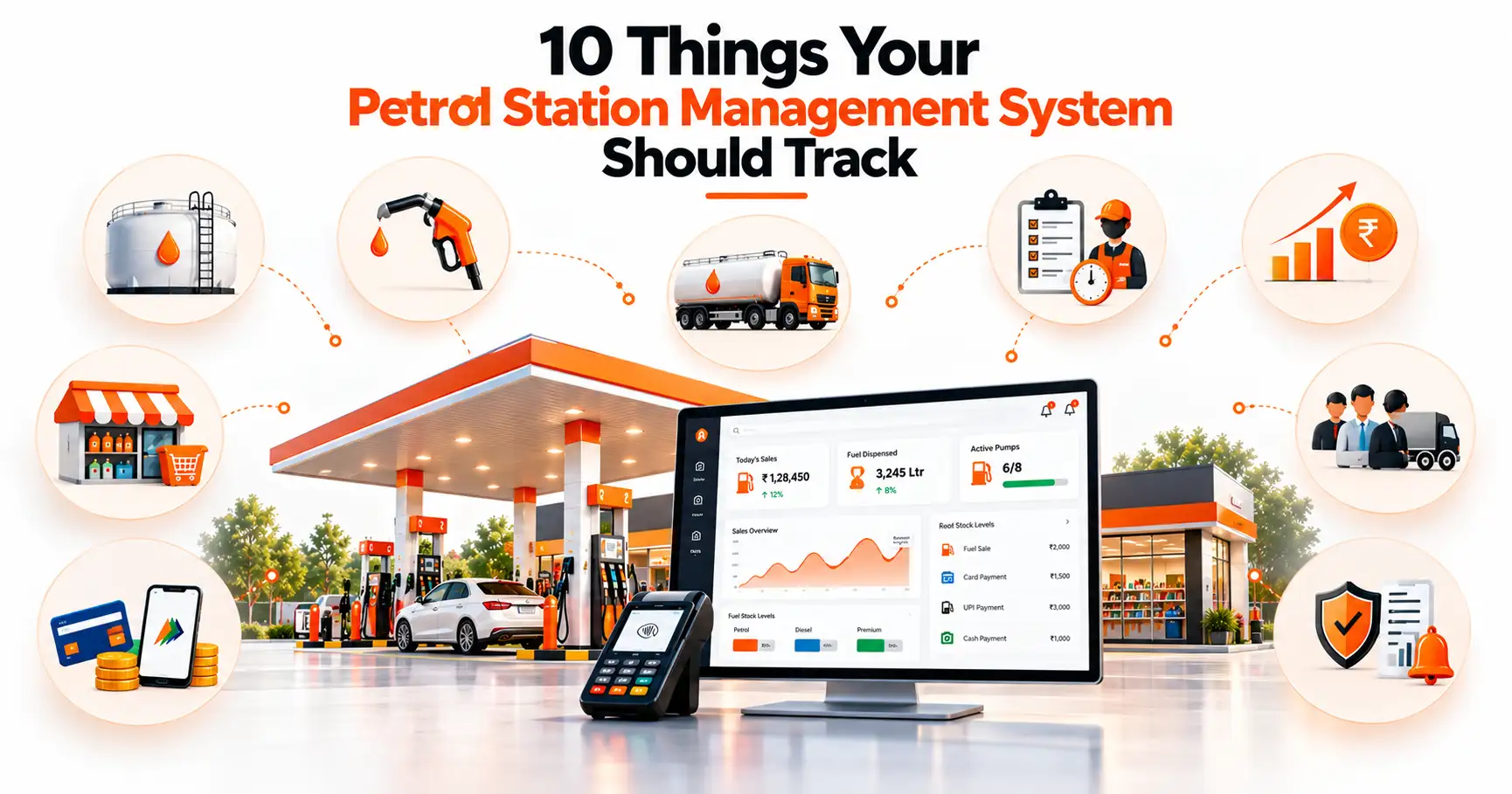
10 Things Your Petrol Station Management System Should Track
1. Fuel Inventory and Tank Levels
A good petrol station management system records opening and closing stock for every tank and compares it with sales and deliveries, so you see the variance every day.
What to track:
- Opening and closing dip readings
- Fuel received and fuel sold
- Book stock vs physical stock for each tank
Tank reconciliation is the foundation of loss control. Say the book stock shows 8,000 litres but the dip shows 7,940. You know the same day that the meter, the dip reading or the delivery needs checking. Without daily checks, small losses repeat quietly and only show up when the amount is already large.
Petrosoft: daily dip entry with automatic variance alerts for every tank.
2. Fuel Sales by Pump, Nozzle and Fuel Type
Your system should show how many litres and how much money each nozzle, fuel type and shift has sold.
What to track:
- Litres and value sold per nozzle
- Sales split by petrol, diesel and premium fuel
- Shift-wise totals
Nozzle-wise data shows which pumps are busiest and which meters may be giving wrong readings. It also lets you match sales with stock movement. If one nozzle keeps showing a gap, get it calibrated before it costs you more.
Petrosoft: shift-wise sales with meter reading checks.
3. Fuel Purchases and Supplier Deliveries
Your system should compare the quantity on the supplier’s invoice with what actually reached your tanks.
What to track:
- Invoice quantity and actual quantity received
- Density and purchase rate
- Tank-wise unloading details
A short delivery is easy to raise on the day it happens, but hard to prove a week later. Recording every delivery with full details gives you evidence for a claim and keeps your purchase records clean for accounting.
4. Shift and Cashier Reconciliation
A petrol station management system should compare the cash each cashier should have collected with the cash actually handed over.
What to track:
- Opening and closing meter readings
- Expected cash vs actual cash
- Staff-wise handover records
When every shift is closed separately, a cash shortage or excess can be traced to a specific person and time. This is fair to honest staff, and it helps you fix mistakes quickly instead of searching through a month of entries.
Petrosoft: expected vs actual cash for every cashier at shift close.

5. Fuel Pricing and Price Changes
Your system should save the date and time of every price change, along with the stock you held at the old price.
What to track:
- Date and time of each price revision
- Opening stock at the old rate
- Sales before and after the change
Fuel prices change often, and every change affects your margin and the value of your stock. If the software doesn’t handle this properly, your profit reports will look wrong after each revision.
6. Shop and Non-Fuel Inventory
Your system should track lubricants, accessories and other shop items the same way it tracks fuel: stock in, stock out and reorder level.
What to track:
- Purchases, sales and current stock
- Fast-moving and slow-moving items
- Low-stock alerts
Non-fuel items often earn better margins than fuel. Reorder alerts stop you from running out of popular items, and slow-moving reports show where your money is stuck on the shelf.
7. Payments: Cash, Card, UPI and Credit
Petrol pump management software should record every sale by payment mode and match it with what the bank actually settles.
What to track:
- Cash, card, UPI and credit collections
- Settlement amounts received in the bank
- Pending or mismatched payments
Many stations now receive a large share of payments digitally. If your daily totals don’t match the bank settlement, finding the reason by hand can take hours. Payment mode-wise reports make daily closing faster and cleaner.
Petrosoft: cash, card, UPI and credit tracking in one view.
8. Customer, Fleet and Credit Accounts
Your system should show who owes you money, how much, and since when.
What to track:
- Credit limits and outstanding balances
- Vehicle-wise fuelling for fleet customers
- Payment due dates and reminders
Credit sales are a common reason for delayed cash. A limit for each customer and clear due dates help you collect on time and stop fuelling when an account crosses its limit.
9. Expenses, Accounting and Profit Reports
Your system should show your real profit, not just your total sales.
What to track:
- Daily expenses, salaries and electricity
- Margins by fuel type and shop items
- Day-wise and month-wise profit
High sales don’t always mean high earnings. When expenses and margins sit next to sales figures, you can see what is really working and make better decisions on staffing, pricing and stocking.
10. Compliance, Alerts and Audit Trails
Your system should record who changed or deleted any entry, and warn you when something looks unusual.
What to track:
- User-wise edit and delete history
- Alerts for unusual variance or cash gaps
- Records ready for inspections and audits
An audit trail brings transparency to the whole team, because no one can change numbers without it being noticed. Your records also stay ready whenever an inspection or audit happens.
Petrosoft: owner alerts for variance and cash mismatches, available on mobile.
Summary Table
|
What to Track |
Why It Matters |
Business Benefit |
|
Tank stock and variance |
Detects fuel loss |
Lower shrinkage |
|
Nozzle-wise sales |
Finds meter issues |
Accurate sales data |
|
Supplier deliveries |
Catches short supply |
Fewer disputes |
|
Shift reconciliation |
Fixes accountability |
Fewer cash gaps |
|
Price changes |
Protects margin |
Correct profit reports |
|
Shop inventory |
Avoids stockouts |
Higher store margins |
|
Payment modes |
Matches settlements |
Faster daily closing |
|
Credit accounts |
Controls dues |
Better cash flow |
|
Expenses and reports |
Shows real profit |
Smarter decisions |
|
Audit trail and alerts |
Prevents misuse |
Trust and compliance |
Managing More Than One Station?
If you own several outlets, you need one dashboard instead of many registers. Look for:
- Combined view of stock, sales and cash across all stations
- Station-to-station comparison reports
- Owner-level alerts for variance or cash gaps
- Mobile access so you can check from anywhere
This lets you spot a weak station quickly instead of waiting for month-end.
How to Evaluate a Petrol Station Management System
Before you choose, ask these questions:
- Real-time reports: Can you see today’s numbers today?
- Hardware integration: Does it work with your dispensers and tank gauges (ATG)?
- Ease of use: Can your pump staff learn it in a day or two?
- Mobile access: Can you check reports from your phone?
- Support: Is help available in your language and working hours?
- Scalability: Will it grow if you add pumps or stations?
- Transparent pricing: Are setup, support and upgrade costs clear?
Tip: Ask for a live demo using your own daily workflow, not a generic one.
How Petrosoft Helps You Track All of This
Petrosoft is built to cover the checklist above in one system. (Confirm and edit these against your actual product features before publishing.)
- Tank and stock tracking: Daily dip entry and variance reports for every tank
- Pump and nozzle sales: Shift-wise sales with meter reading checks
- Shift reconciliation: Expected versus actual cash for every cashier
- Payments and credit: Cash, card, UPI and credit account tracking in one view
- Owner reports and alerts: Profit, stock and variance summaries, available on mobile
Stop guessing. Start knowing where every litre and every rupee goes.

Missing stock, cash shortages and hours of manual reconciliation don’t have to be part of running your petrol station. Petrosoft tracks tank stock, nozzle sales, shifts, payments and credit in one simple system, and alerts you the moment something doesn’t match.
✅ Catch fuel loss early
✅ Close shifts in minutes
✅ Check your profit from your phone
Book Your Free Demo Today and See How Petrosoft Can Simplify Your Petrol Pump Operations!