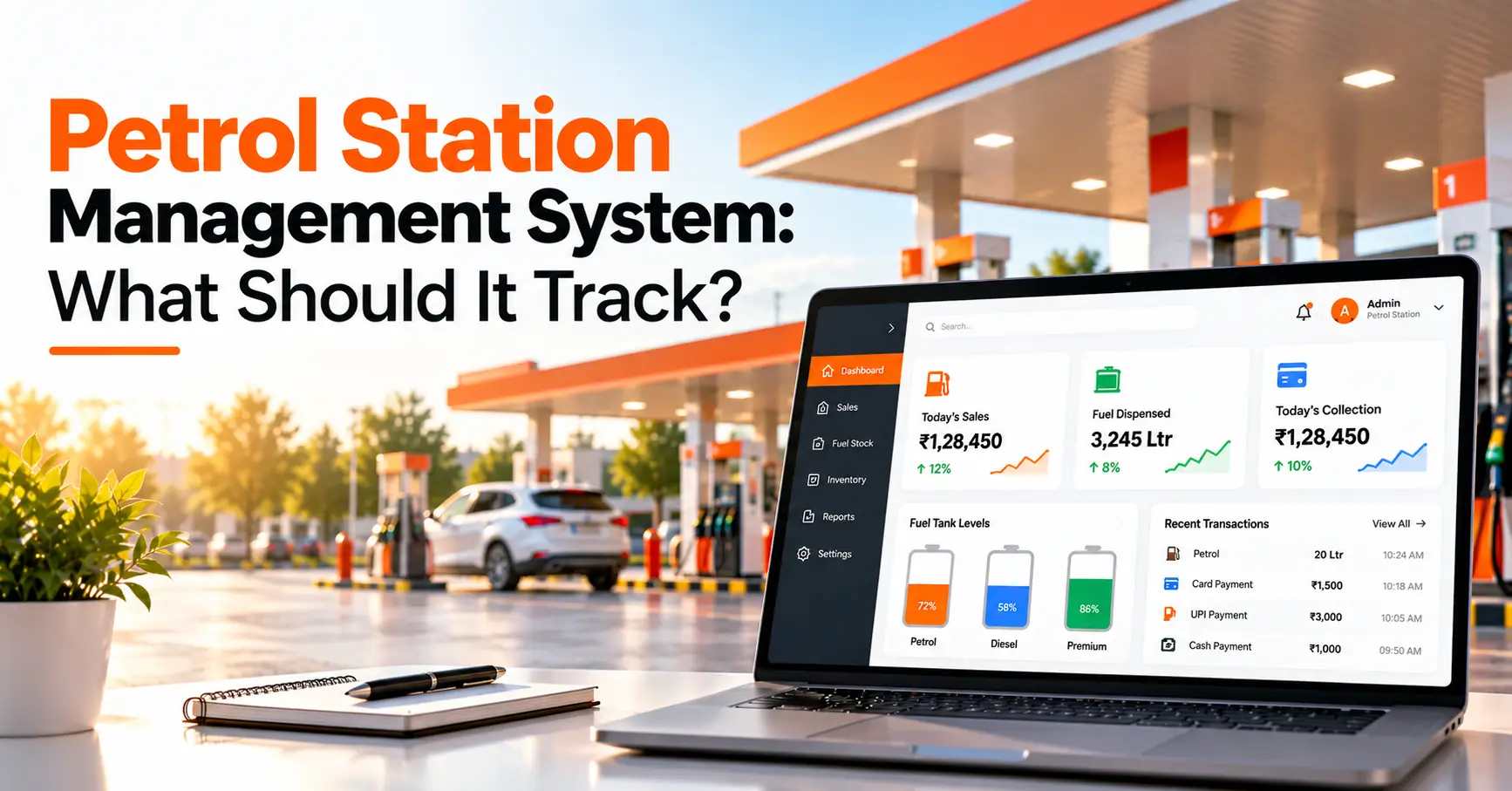
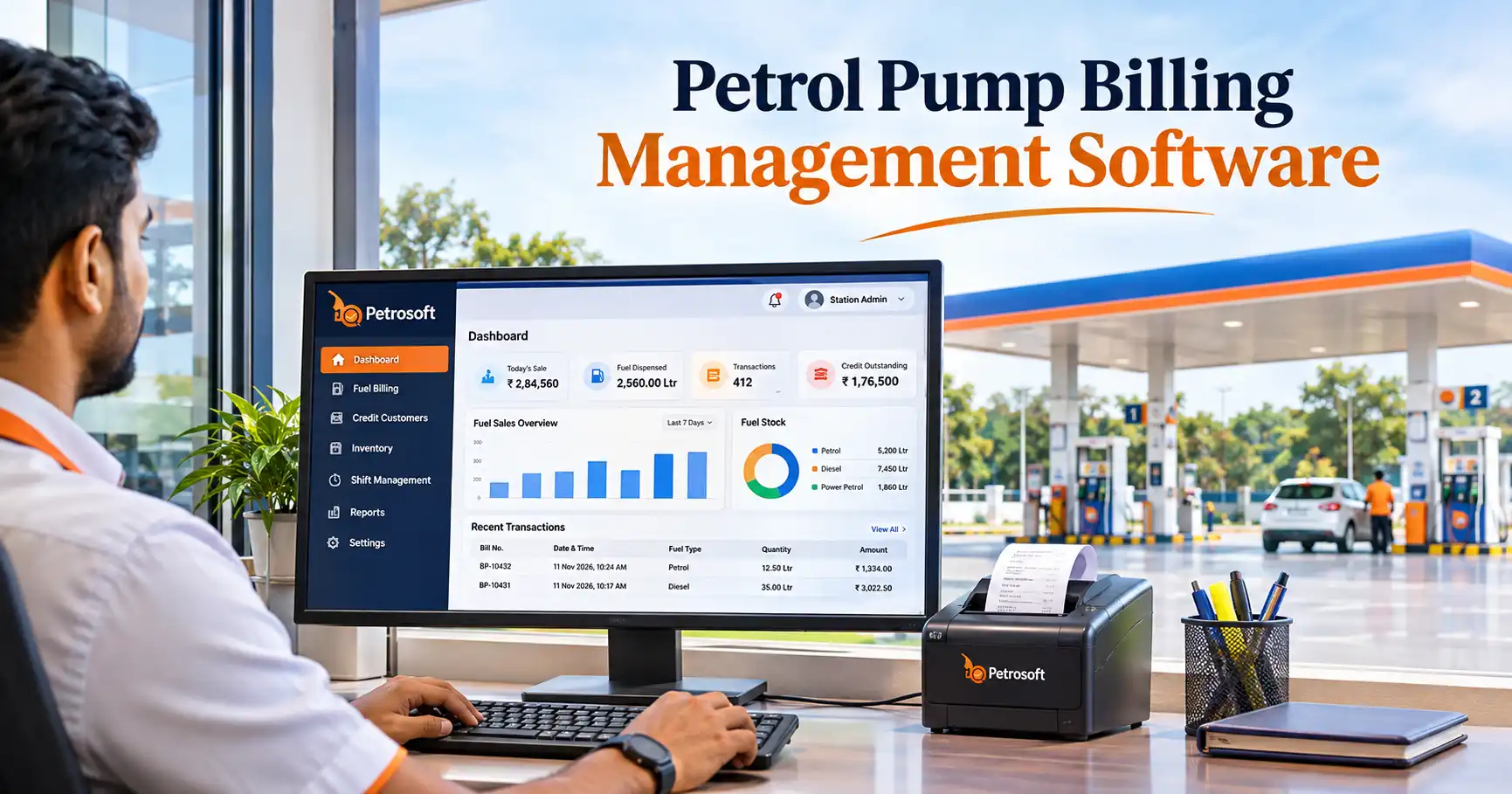
Running a petrol pump involves much more than dispensing petrol and diesel. Every day, fuel station owners handle hundreds of transactions, monitor nozzle readings, collect payments, manage credit customers, verify employee shifts and prepare business reports.
The challenge is ensuring that all these records match. A difference between fuel sales, payment collections, shift entries and stock records can make daily closing difficult. When information is maintained in separate registers or spreadsheets, identifying the source of a difference may take additional time.
Petrol pump billing management software helps bring these activities into an organised digital workflow. Instead of treating billing as an isolated activity, owners can connect sales entries with shift management, payment tracking, customer accounts, inventory records and financial reporting.
What Is Petrol Pump Billing Management Software?
Petrol pump billing management software is a digital system that helps fuel stations record fuel sales, generate bills, maintain transaction details and organise payment and business records. Depending on its capabilities, it can also connect billing with nozzle-wise sales, shift settlements, customer credit accounts, fuel inventory and accounting reports.
For petrol pump owners, its main purpose is to maintain consistent records from the moment a fuel transaction takes place until the daily sales and collections are verified.
How Does the Daily Billing Process Work at a Petrol Pump?
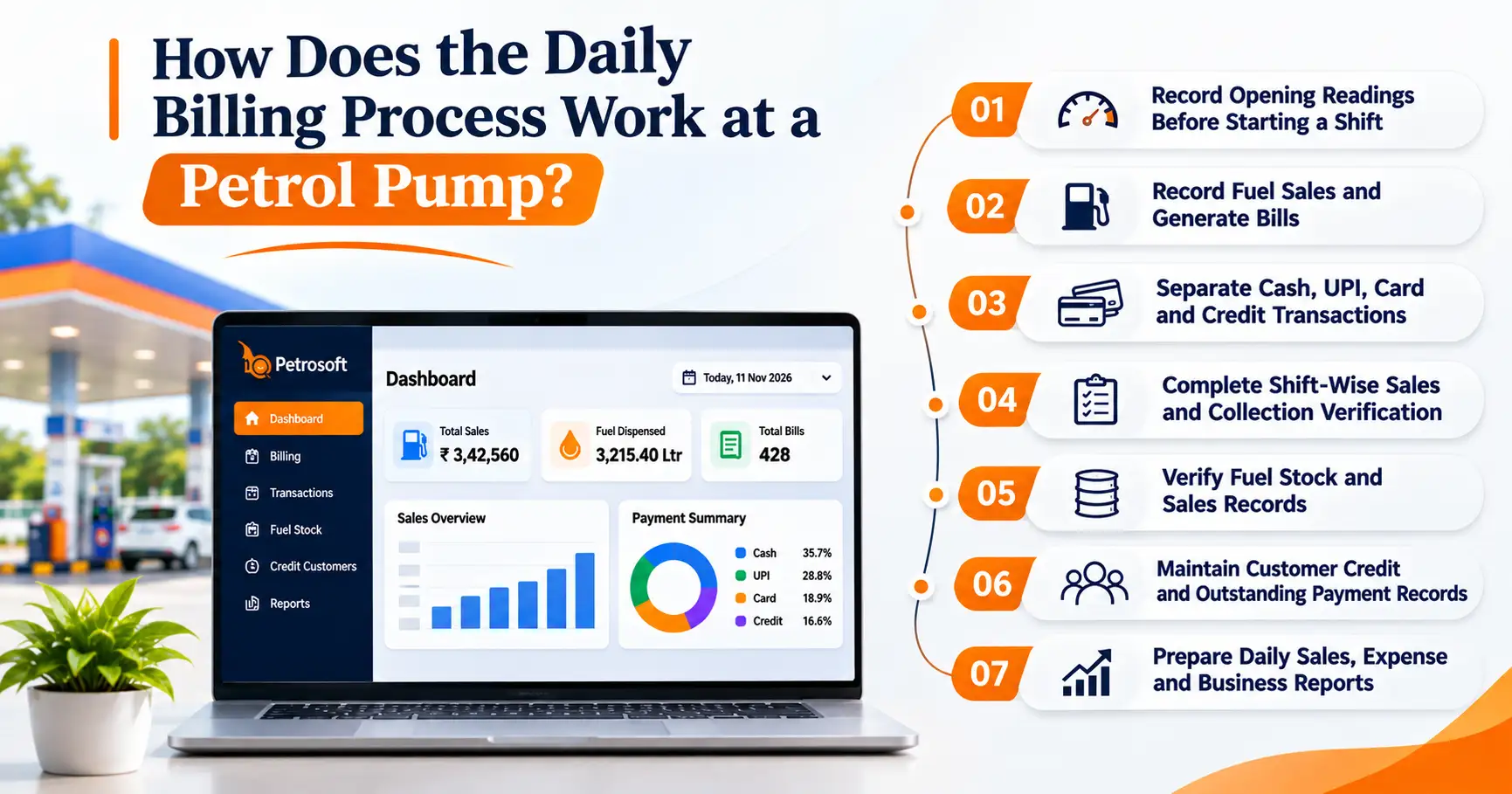
To understand the importance of billing software, consider the activities involved in a typical petrol pump working day.
1. Record Opening Readings Before Starting a Shift
At the beginning of a shift, the manager or authorised employee needs to record the opening readings of the assigned dispensing nozzles.
These readings establish the starting point for calculating the quantity of fuel dispensed during that shift.
For example:
|
Details |
Example reading |
|
Opening meter reading |
25,000 litres |
|
Closing meter reading |
25,850 litres |
|
Fuel dispensed |
850 litres |
Calculation:
Fuel dispensed = Closing meter reading − Opening meter reading
850 litres = 25,850 − 25,000
This is a simplified example. Actual reconciliation should also account for meter resets, rollovers, corrections and the station's operating procedures wherever applicable.
Recording opening and closing readings consistently helps owners compare nozzle-wise sales with the corresponding shift records.
2. Record Fuel Sales and Generate Bills
Fuel transactions take place throughout the day. Customers may purchase petrol or diesel using different payment methods, while some business customers may purchase fuel on credit.
If transaction details are not recorded properly, the owner may face difficulties checking sales and payment records later.
A billing system should help the station maintain:
- Fuel product and transaction details.
- Quantity dispensed.
- Applicable selling price.
- Total transaction value.
- Customer or vehicle details where required.
- Payment method and billing history.
For business customers, credit transactions should be recorded against the appropriate customer account rather than being treated as immediate cash collections.
A consistent billing process makes it easier to retrieve previous transactions and prepare sales summaries.
3. Separate Cash, UPI, Card and Credit Transactions
One of the important responsibilities during daily closing is checking how much business was recorded through different payment methods.
Petrol pumps may receive payments through:
- Cash collections.
- UPI transactions.
- Debit and credit cards.
- Approved customer credit accounts.
- Other applicable payment channels.
Consider this illustrative daily sales summary:
|
Payment category |
Sales value |
|
Cash sales |
₹65,000 |
|
UPI sales |
₹35,000 |
|
Card sales |
₹30,000 |
|
Credit sales |
₹20,000 |
|
Total recorded sales |
₹1,50,000 |
The owner should compare the recorded transactions with the relevant cash handover, payment confirmations, card settlement details and credit records.
It is important to distinguish between sales recorded and money actually received. Credit sales, for example, represent business provided on credit and should not be counted as cash collected on that day.
A payment-wise transaction report helps the manager investigate differences instead of adjusting the final figures without checking their source.
4. Complete Shift-Wise Sales and Collection Verification
Many petrol pumps operate with multiple employee shifts. Each shift may involve different salesmen, dispensing nozzles, cash collections and transaction records.
At the time of shift handover, the outgoing employee and incoming employee should verify:
- Opening and closing nozzle readings.
- Total fuel sales during the shift.
- Cash received and handed over.
- UPI and card transaction details.
- Credit sales and related entries.
- Employee-wise transactions.
- Any identified shortages or differences.
A shift-wise report gives the owner a clearer record of the business handled during each working period.
Petrosoft includes shift management, shift sheets, salesman allocation, employee worksheets, cash collection and shortage tracking as part of its operational capabilities.
For more details, explore Petrosoft's petrol pump software features.
5. Verify Fuel Stock and Sales Records
Billing records also contribute to fuel inventory verification.
The expected stock position is generally calculated using:
Expected Closing Stock = Opening Stock + Fuel Received − Fuel Sold
For example:
|
Stock details |
Quantity |
|
Opening stock |
10,000 litres |
|
Fuel received |
5,000 litres |
|
Fuel sold |
6,200 litres |
|
Expected closing stock |
8,800 litres |
The expected quantity should then be compared with the actual measured stock using the station's prescribed dip measurement and verification procedures.
Any difference should be investigated. Possible reasons may include incorrect entries, measurement variations, delivery quantity differences or equipment-related issues.
Recording purchase, decantation, dip and density information helps maintain a more complete inventory history.
Read more about common petrol pump stock mismatch causes and practical solutions.
6. Maintain Customer Credit and Outstanding Payment Records
Some petrol pumps regularly provide fuel to transport companies, businesses, vehicle owners and other approved customers on credit.
Managing these transactions through notebooks or separate spreadsheets can become difficult when the number of customers and transactions increases.
A proper credit management process should record:
- Customer details.
- Approved credit limits.
- Transaction date and amount.
- Vehicle-wise transactions, where applicable.
- Payments received.
- Outstanding balance.
- Payment history and due reminders.
These records help the owner understand which customers have outstanding balances and which payments have been received.
Petrosoft provides credit customer management, credit limits, customer statements and a dedicated Credit Customer App for supported workflows.
7. Prepare Daily Sales, Expense and Business Reports
After completing billing and shift verification, owners need a consolidated view of the station's daily activities.
Useful reports include:
- Product-wise fuel sales.
- Nozzle-wise sales.
- Shift-wise sales.
- Cash collection reports.
- Bank and payment transaction reports.
- Customer credit statements.
- Purchase and stock reports.
- Employee transaction reports.
- Expense reports.
- Profit and loss statements.
These reports help owners review business activities without depending entirely on separate registers.
However, recorded sales value should not automatically be treated as net profit. Profitability calculations must also consider the applicable purchase cost, operating expenses, adjustments and other relevant accounting entries.
What Should Petrol Pump Owners Check Before Closing the Day?
A structured daily closing process can reduce missed entries and make it easier to identify differences.
The following checklist can be used by petrol pump owners and managers.
|
Daily verification activity |
What to check |
|
Nozzle readings |
Opening and closing readings |
|
Fuel sales |
Product-wise and nozzle-wise sales |
|
Billing |
Transaction entries and bill records |
|
Cash collection |
Cash received and employee handover |
|
Digital payments |
UPI, card and bank transaction details |
|
Credit accounts |
Credit sales and payments received |
|
Stock records |
Fuel receipts, sales and stock variation |
|
Employee shifts |
Shift-wise transactions and settlements |
|
Expenses |
Recorded operating expenses |
|
Final reports |
Sales, collections and pending differences |
The important point is not simply to complete the checklist. Any difference should be investigated and documented before the day's records are finalised.
How Can Petrol Pump Billing Management Software Improve Daily Operations?
A billing system becomes more useful when it connects different operational activities rather than maintaining sales records in isolation.
Here are some important capabilities to evaluate.
Centralised Billing and Transaction Records
A centralised system helps maintain transaction information in an organised format. Owners and managers can refer to recorded sales and relevant billing details instead of searching through multiple registers.
Nozzle-Wise and Shift-Wise Reporting
Nozzle-wise and shift-wise reports help identify where sales were recorded and which employees handled the corresponding transactions.
This makes daily verification and employee handovers easier to organise.
Cash Collection and Shortage Tracking
Recording cash collections and shortages with supporting details helps managers investigate differences between recorded sales and actual collections.
Fuel Purchase, Dip and Density Records
Stock purchase, decantation, dip and density records help connect fuel receipts with sales and stock verification.
Customer Credit Management
Customer ledgers, credit limits and payment histories help owners monitor outstanding balances and review credit transactions.
GST Reports and Accounting Integration
Petrol pump owners also need organised accounting information for their business activities.
Depending on the applicable tax treatment and business transactions, GST-related reports may be required for relevant taxable supplies and expenses.
Petrosoft provides GST reporting capabilities and Tally Prime integration. Its Tally integration is designed to transfer recorded sales, purchase and expense data to Tally Prime, reducing the need for duplicate data entry.
For more information, see the Petrosoft features and integration details.
How Does a Petrol Pump Mobile App Help Owners Monitor Business Activities?
Petrol pump owners are not always physically present at their stations. Dealers may need to monitor sales, employees, customer balances and business performance while away from the outlet.
Mobile applications can provide access to relevant business information without requiring owners to depend entirely on phone calls or manual updates.
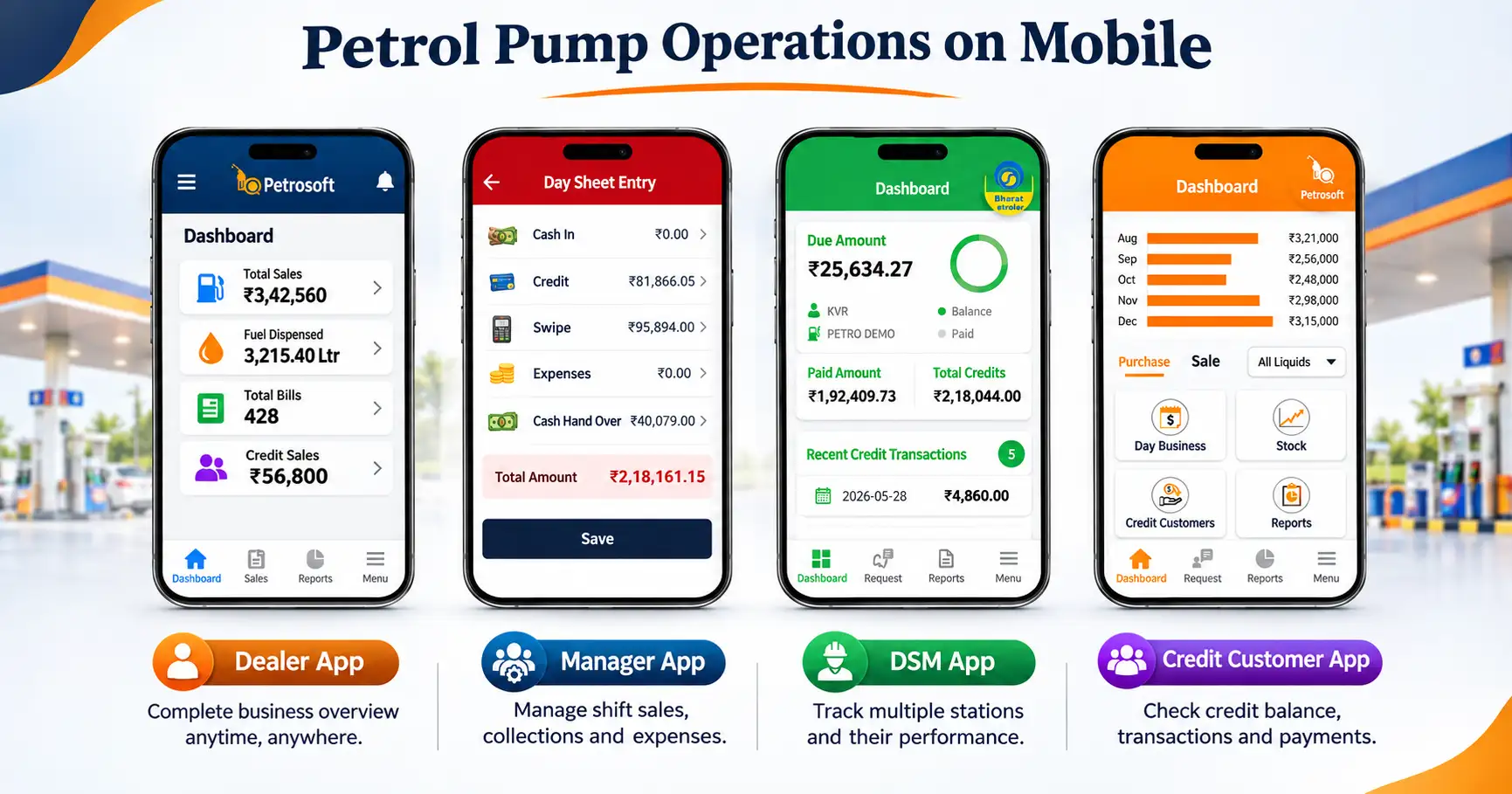
Petrosoft provides four connected applications for different user requirements:
Dealer App: Provides business visibility into sales, stock movements, receivables, payables and business reports.
Manager App: Helps managers monitor employee reports, inventory movements, transaction summaries and operational activities.
DSM App: Supports shift-wise fuel transactions, sales activities and collection tracking.
Credit Customer App: Helps approved customers raise credit requests, review vehicle-wise transactions, track payments and receive due reminders.
Each application serves a different user role. Access and available functionality depend on the relevant app and product configuration.
Explore the Petrosoft petrol pump mobile applications.
How to Choose the Right Petrol Pump Billing Management Software?
Before purchasing a petrol pump billing system, owners should evaluate whether it matches their actual working process.
Consider these points:
- Billing requirements: Check whether the software supports your fuel products, billing process and transaction records.
- Nozzle-wise tracking: Verify whether it can record opening and closing readings and generate relevant sales reports.
- Shift management: Check whether employee assignments, collections and shift settlements can be maintained separately.
- Payment tracking: Understand how cash, card, UPI and credit transactions are recorded and verified.
- Inventory management: Check whether fuel purchases, stock movement, decantation, dip and density records are supported.
- Accounting requirements: Ask about GST-related reporting, accounting exports and Tally Prime integration.
- Mobile access: Check which applications are available for dealers, managers, salesmen and credit customers.
- Data protection: Understand backup frequency, access permissions, security measures and data recovery procedures.
- Training and support: Confirm whether employees receive implementation guidance, training and technical assistance.
- Pricing and scalability: Compare the available plans based on your number of users, required reports and business operations.
You can compare the available Petrosoft pricing plans before deciding which option is appropriate for your station.
Why Petrol Pump Owners Consider Petrosoft for Billing and Business Management
Petrosoft, developed by Young Minds Technology Solutions, is a petrol pump management platform designed to connect billing, fuel stock, shift operations, customer credit, employee activities and business reporting.
Its capabilities include nozzle-wise sales management, shift settlements, stock purchase and decantation, cash collection tracking, credit management, GST reports, Tally Prime integration and dedicated mobile applications.
By bringing these activities together, Petrosoft helps petrol pump owners maintain organised business records and monitor daily operations through a connected system.
Visit Petrosoft to explore the software and request a product demonstration.
Manage Your Petrol Pump Operations with Petrosoft
Accurate billing and organised records are essential for running a successful petrol pump. From nozzle-wise sales and shift settlements to payment tracking, fuel stock and customer credit, every transaction matters.
Petrosoft brings these essential operations together in one petrol pump management system. Reduce manual work, maintain organised records and get better visibility into your daily business activities.
Looking for a reliable petrol pump billing management software? Choose Petrosoft to take greater control of your fuel station operations. Request Your Free Demo Today.